Using Your Travel Phone Holder at a Hotel Desk: Start with Your Notebook
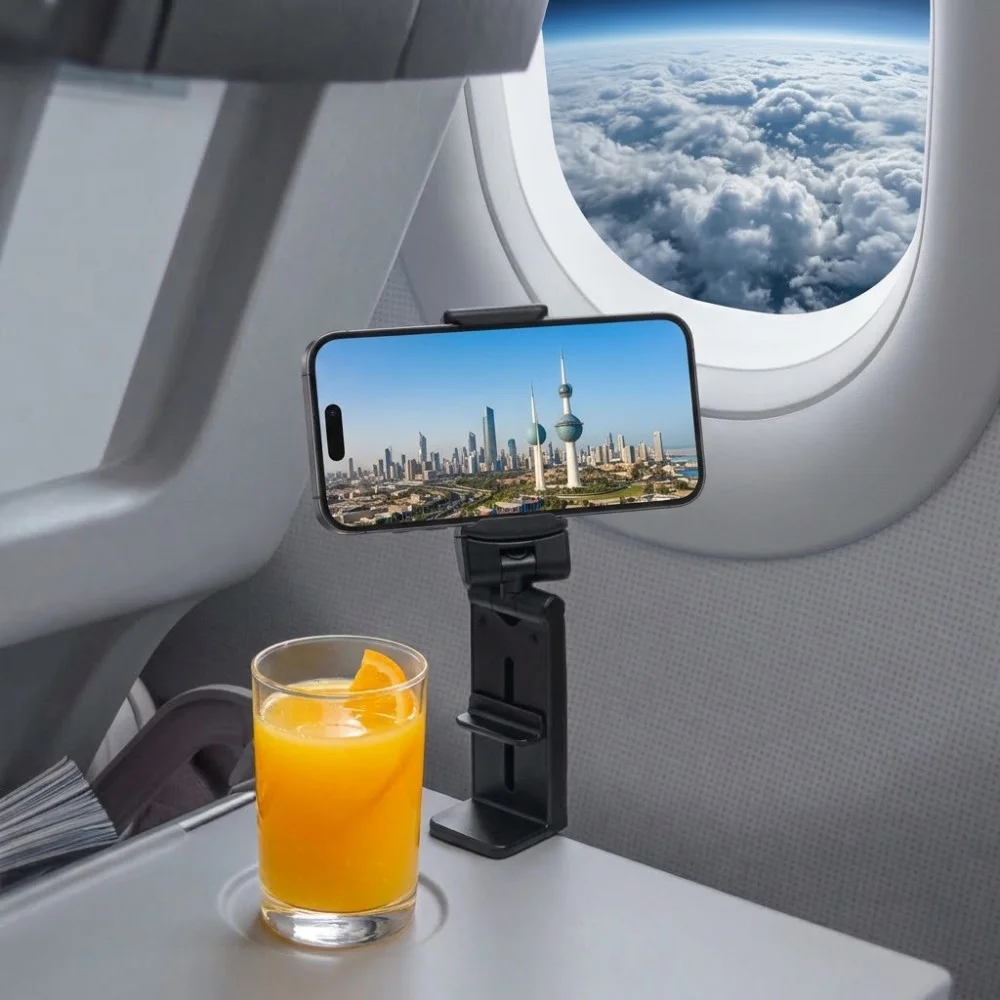
Using Your Travel Phone Holder at a Hotel Desk: Start with Your Notebook
You unpack your phone holder at your accommodation, place the screen in front of you and open an online lesson. Then you reach for your notebook and discover that the only available writing space is behind the phone.
A portable holder can be useful beyond the flight, but the desk arrangement deserves a fresh look. Before positioning the screen, set out the things you need for the activity. This simple change helps you judge the workspace as a whole.
Give the Main Task Its Space First
If you are taking notes, open your notebook to a normal working page. Add your pen and sit in the chair you will use. If you are joining a meeting, place any documents you need within reach.
Now look for a suitable phone position. The screen should fit around the task without forcing you to move your notebook every time you write.
Do not judge the arrangement from a standing position alone. Sit down, turn a page and reach for the playback controls. A layout that looks tidy can still interrupt ordinary movements.
Check the Furniture Before Choosing a Mounting Position
A desk edge may look convenient, but its shape and the space underneath matter. Check for drawers, curved sections or other features that could interfere with the holder.
Use only a configuration supported by the product instructions. Do not force a mounting clamp onto an unsuitable edge or improvise padding to compensate for an uncertain fit. On furniture that is not yours, also consider whether attaching an accessory is appropriate.
If the holder supports desktop use, assess that arrangement separately. Make room for the complete setup, including the phone, rather than just the folded accessory.
Run a Short Study or Meeting Rehearsal
Open the application you intend to use and try the actual sequence of actions:
Start and pause the content.
Write a sentence in your notebook.
Turn a page.
Reach the controls again.
Remove the phone when finished.
For a video call, check the camera preview as well. The screen might be easy to see while the camera framing needs adjustment.
If you repeatedly reach around the phone or move it to continue writing, change the layout before starting the session. You may find that a different orientation or a less crowded position works better.
Keep Cables Out of the Working Area
If charging is necessary, check connector access and the cable route after positioning the phone. Avoid a layout that depends on stretching the lead or passing it across the notebook.
Follow the phone and charger instructions. The holder provides a position for the device; it does not establish charging compatibility.
If the cable makes the workspace awkward, consider charging separately rather than trying to combine every activity in one arrangement.
Choose the Accessory Around the Setup
The K&M Shopping airplane and desk phone holder is foldable and adjustable, with a published phone-clamp range of 55–95 mm. Measure the phone with its everyday case and consider any rear attachments before deciding whether it suits your device.
Product details:
https://k-m.store/shop/en/airplane-desk-phone-holder
The phone-width range does not establish compatibility with a particular desk edge. Clarify any missing measurement that matters to your intended setup.
For a fuller guide to phone fit, mounting arrangements and travel use, read:
https://k-m.store/shop/en/airplane-desk-phone-holder-fit-setup-guide
You can also browse phone and travel accessories at K&M Shopping:
Finish with a Workspace You Can Clear
At the end of the session, remove the phone before folding or substantially rearranging the holder. Return the accessory and cables to their designated places.
The useful test is whether the holder supports the activity without creating extra rearranging. Starting with your notebook, documents or other main tools makes that easier to judge—even when the desk is unfamiliar.


Comments
Post a Comment